How to update NuGet.exe tool version manually?

Actually, when I click 'Install Version…', after a while I end up with this dialog.
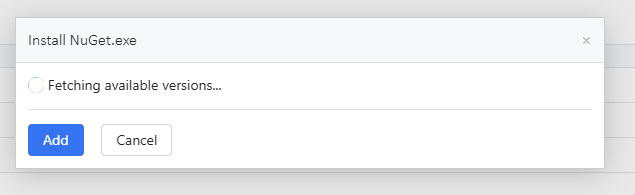
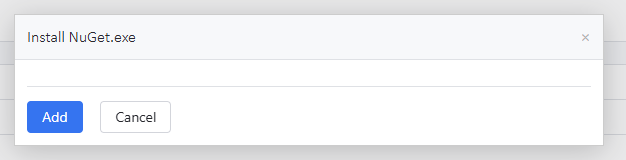
So, how can I manually install a newer version? I tried placing the file NuGet.CommandLine.6.9.1.nupkg in the C:\TeamCityData\plugins\.tools folder, but the file just disappears and nothing happens. I also tried placing the extracted folder or a zip, but it always ends up as a newly installed archive or folder tool.
Please sign in to leave a comment.
Hi,
I'm not able to reproduce it on my side. When I click Install Tool and select NuGet.exe, I see the available versions to download and an option to upload manually:
When the tool is already installed, I am able to install a different version the same way by clicking Install Version.
Additionally, I downloaded a
nuget.commandline.7.0.1.nupkgpackage from https://www.nuget.org/packages/NuGet.CommandLine and copied it to<TeamCity Server Data Directory>/plugins/.tools. After restarting the TeamCity Server, the new version was recognized and made available in the UI.What TeamCity version are you using? Is the TeamCity server installed in an isolated environment, or can it access the internet? Please also check the permissions for the TeamCity Server Data Directory.
Best regards,
Anton
It really worked! Can’t say why it didn’t earlier. Thanks, mate!
What TeamCity version are you using?TeamCity Professional 2025.07.3
Build 197398
Is the TeamCity server installed in an isolated environment, or can it access the internet?Yes, the environment is strictly limited to and for external access.
But still, this could be fixed ;-)
It looks like it's already fixed, or at least it's not reproduced on my side on the 2025.11 version. The same window (in offline mode):