Can't natvigate a project page and ghost queue inTeamCity

Hi,
I have encounter some weired issues in TeamCity.
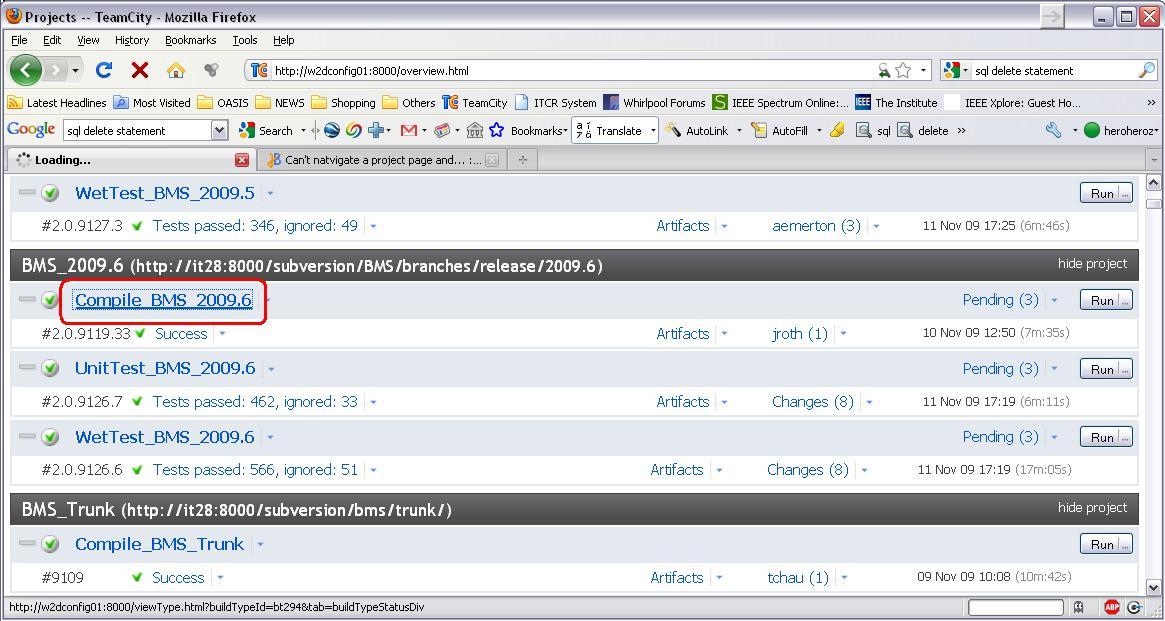
1.) I was not able to natvigate to TeamCity's project page. I can goto the TeamCity homepage (http://w2dconfig01:8000/overview.html) without a problem, but when I click into any of the projects (e.g. http://w2dconfig01:8000/viewType.html?buildTypeId=bt290&tab=buildTypeStatusDiv), it will just keep loading without returning anything. If I goto the config project page via "edit settings" on those projects, I can enter the config page.
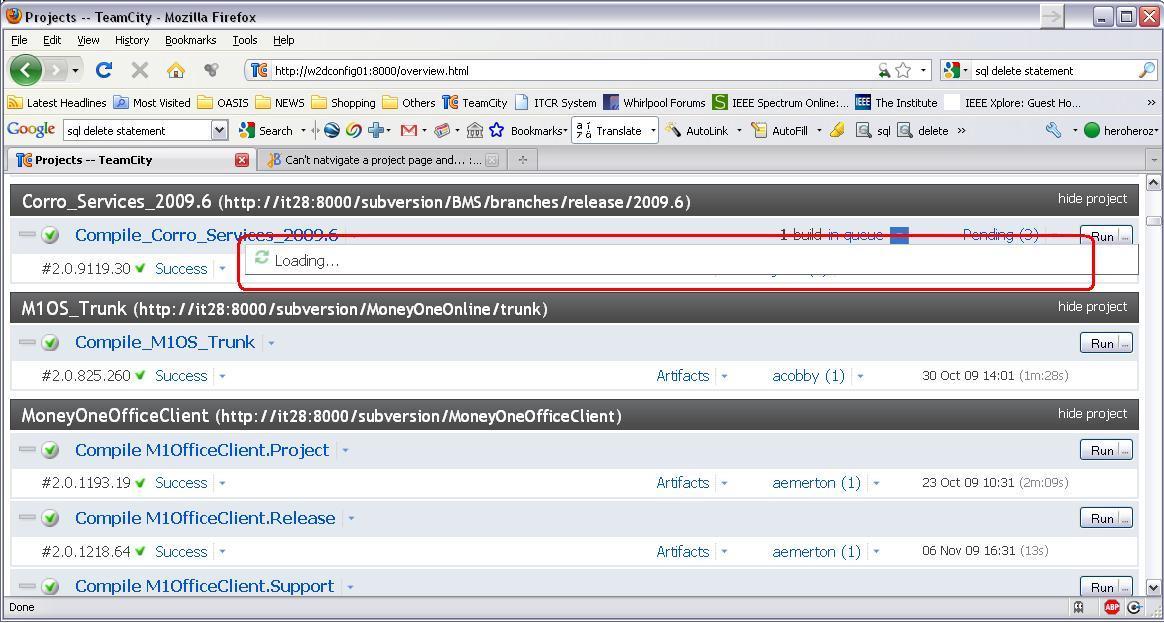
2.) There're 3 TeamCity tasks that have "1 build in queue" but not processing anything. When I try to mouseover on the dropdown of that queue, it returns nothing. I have checked the status of the 3 build agents and they are all available. I suspect it may related to issue 1 as mentioned above.
I have attached the server log here. If you need more explaination on my issue please let me know. Thanks in advance.
Kind regards,
Thomas
Please sign in to leave a comment.
I have attached a few screenshots here.
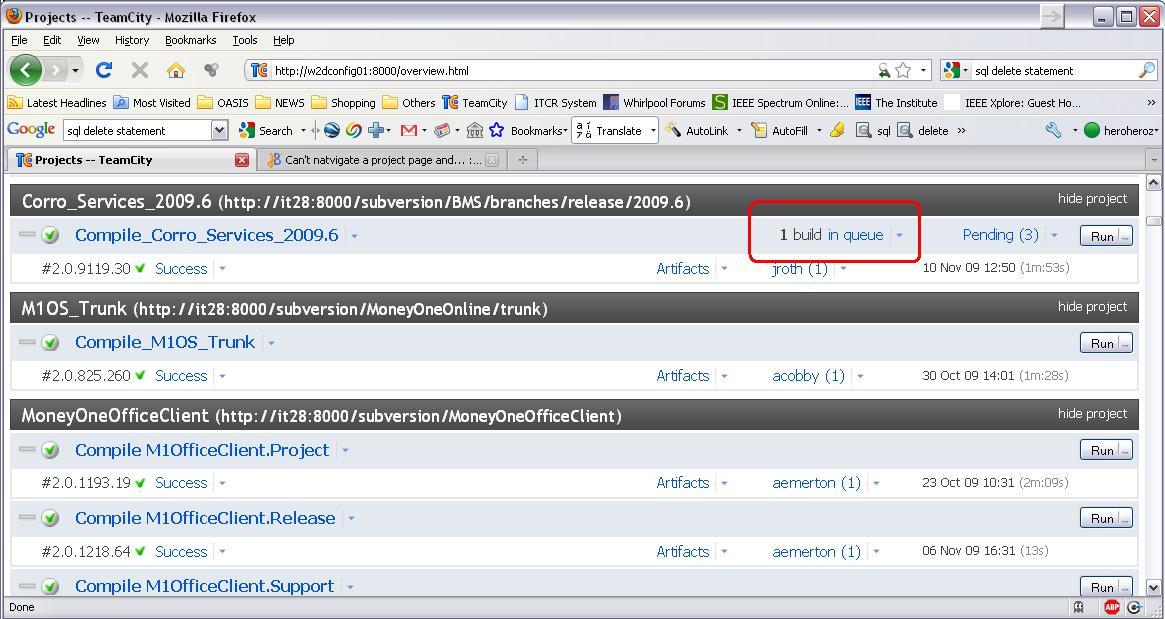
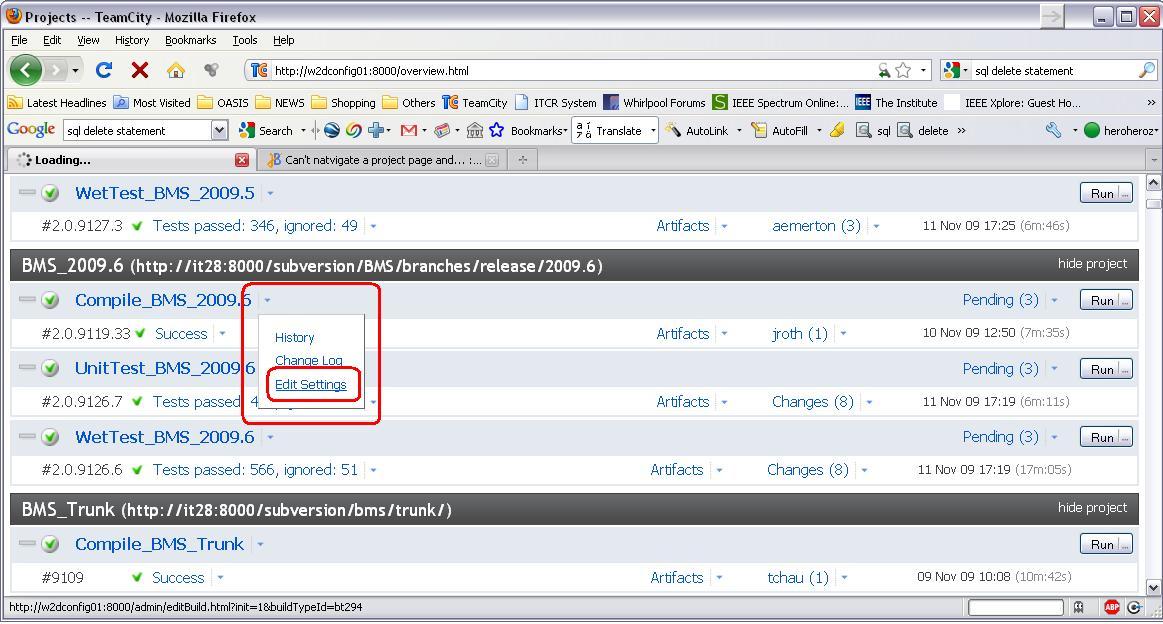
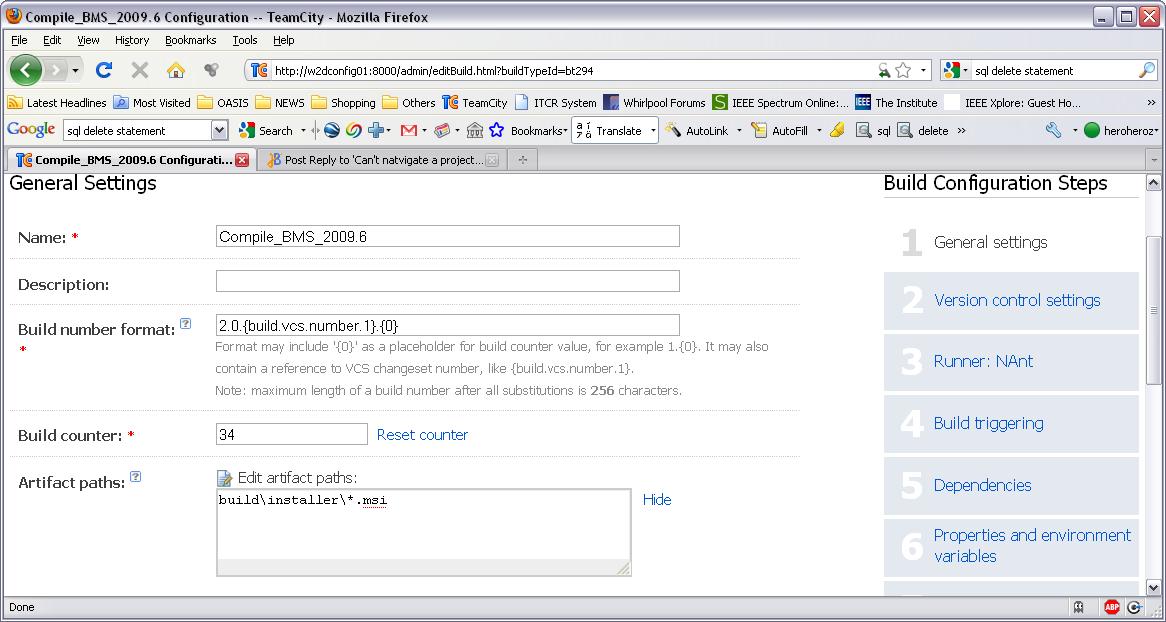
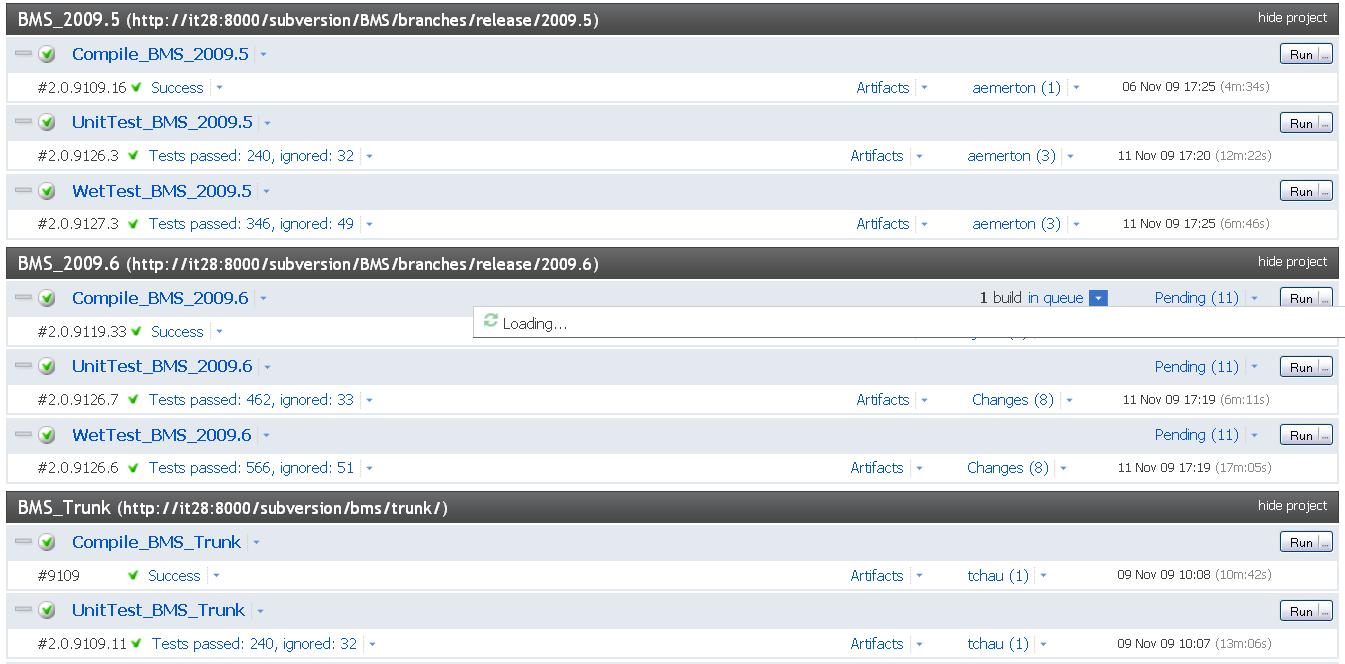
There's a queue trigger by VCS check-in
When I mouseover to expand the queue info box, it is not returning anything...
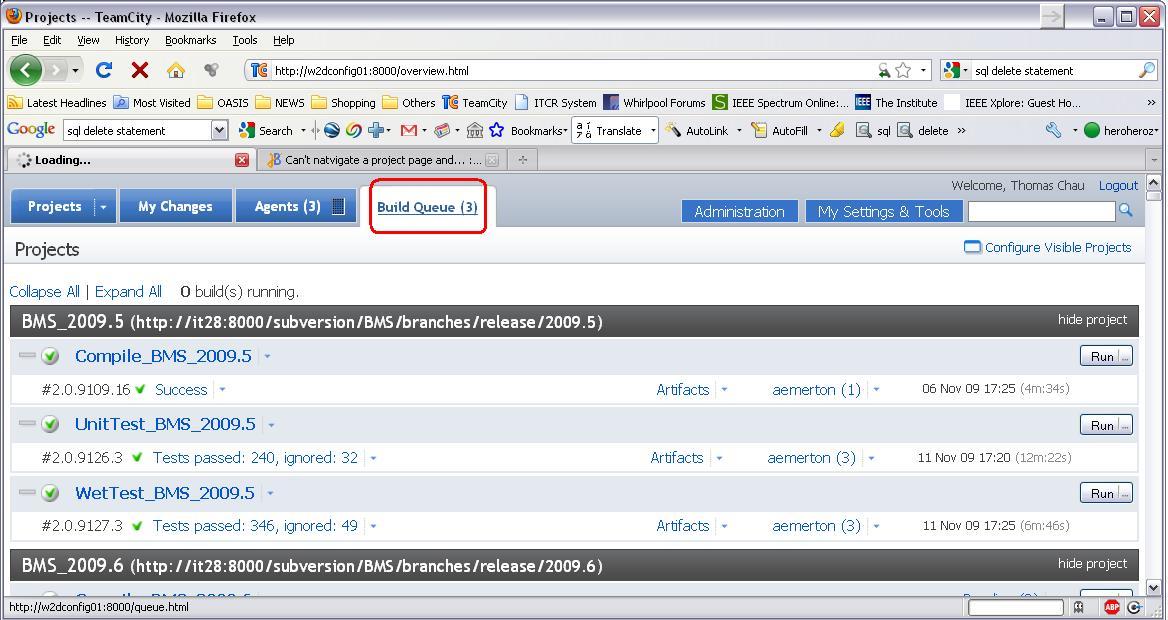
The "Build Queue" tap on top is not responding to my click
And the task within the project as well, not responding to my click
However, I can goto the task admin page by clicking "edit setting"
The admin page load successfully
Hi,
FYI, I have recently removed a few TeamCity Projects / Tasks / VCS, and after that TeamCity webpage unable to open and I did restart the service and the server. The TeamCity page is back but with this current issue.
EDIT: This is TeamCity Enterprise Version 4.5.4 (build 9071) with subversion 1.6
Regards,
Thomas
Attachment(s):
teamcity_log_20091116.zip
Tomas,
Can you please take a thread dump of the server for the pages that you have experienced the problem and attach it?
As attached. Thanks.
Attachment(s):
TeamCityDump_20091117.log.zip
Thomas,
could you please look at your MS SQL server -
while the system is in stuck, are connections from TeamCity active or not?
Are CPUs utilized and does a disk LED light?
Thanks,
Leonid
Thomas,
Seems, TeamCity is locking on database access. Do you know is there some configuration/etc. change at the time you started to experience the issue?
TeamCity can add some extra database load while indexing tests for searching by their names, etc. If you do not need the search, you can try to disable it by specifying the following JVM options for the TeamCity server:
-Dtc.search.disable.initial.index=true
-Dtc.search.index.tests=false
If the database is functions OK for other applications, we might also need TeamCity server logs to look into the issue.
Hi,
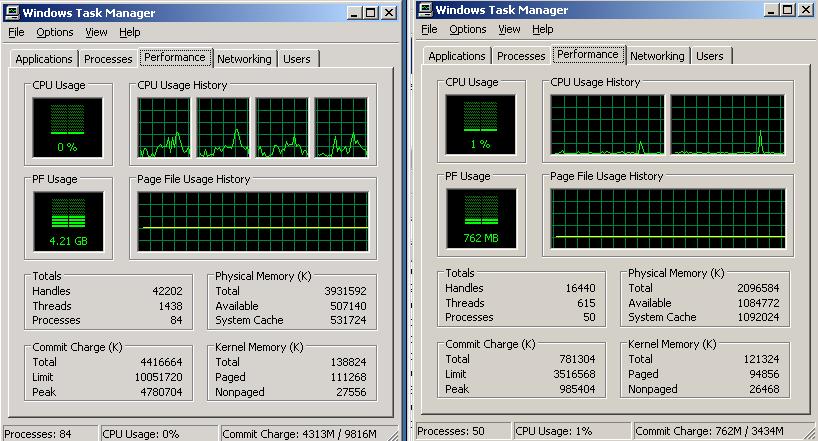
This morning when I back to work, TeamCity is unavailable even to its homepage.
Before I restart TeamCity service, I have checked the DB server of TeamCity and the TeamCity host, and I see no heavy loading on CPU, and no sign of disconnection too.
Left hand side is the DB server and right hand side is the TeamCity host.
Then I restart the TeamCity service on the host, then TeamCity homepage works again, with the previous problem, where the queue is not showing up and sub-project pages are not loading properly.
I have again attached the TeamCity log here. If there's additional info needed please let me know. Thanks.
Kind regards,
Thomas
Attachment(s):
TeamCity.Log.2009-11-18.zip
Hi,
I believe there's no changes on TeamCity configuration as it will usually be me who make changes on TeamCity, and I have setup another host for TeamCity EAP and that is on the same DB server, where the EAP host seems to have no problem with database connection.
Please refer to my previous post for attached TeamCity log. Thank you very much for your help.
Regards,
Thomas
The following are some extracts of the error:
And seems I found the source of the error:
It looks like TeamCity clean-up results in an invalid state which affect the database connection of TeamCity. I am not 100% sure but hope that can help the investigation. Thanks.
Regards,
Thomas
Thomas, one more question: how many connections are configured in your "database.properties" file?
(it's the "maxConnections" property).
If the number of connections less than 20 please increase it up to 20.
Thomas,
> and I have setup another host for TeamCity EAP and that is on the same DB server,
am I right that you have meant TeamCity 5.0 EAP, with a new empty database?
Thanks.
Thomas,
could you please also add the two following properties into your 'database.properties' file:
connectionProperties.validationQuery=select 1
connectionProperties.testOnBorrow=true
and remove the "poolPreparedStatements" property if exists,
and then try again.
Thank you!
Leonid
Hi,
Just want to report that the problem was temporary solved by restarting the database instance where TeamCity host.
The reason was the TeamCity EAP server which host on another box also experience problems and I had request a restart on our database instance.
Now TeamCity server is back to a usable state, but I suspect the root cause is from the SQL Unexpected Error when TC performing the CleanUp / database maintenance.
It was happening again last night. I have capture the logs and going to restart TeamCity service. Is there a known issue of TeamCity CleanUp for version 4.5.4?
Regards,
Thomas
Hi,
The same issue is happening again. TeamCity is not returning from maintenance mode and aws running for 10 hours. It is not coming back even I restart TeamCity service, and I have to restart the database instance again to make it works.
I have added the properties from your previous post and also removed "poolPreparedStatements" property.
I will do an update later and see if any failure in coming days.
Regards,
Thomas
Hi,
After changing the database.properties file, TeamCity completed the clean-up process and I don't have to restart the database instance everyday to make TeamCity back to live.
However, I still find some random errors from the log, which looks like conenction issue. I have attached the log file here.
Regards,
Thomas
Attachment(s):
TeamCity.Log.2009-11-24.zip
Most of the errors in the log are network errors, i.e. TeamCity tries to connect to the server but server refuses connection.
Also it seems database server sometimes works in single user mode:
Login failed for user '****'. Reason: Server is in single user mode. Only one administrator can connect at this time.
Are you sure you do not have some periodic task making DB backup or something like this which locks the database or somehow limits the number of possible connections?