Linux TeamCity Server with Mercurial Using SSH Key Authentication

Hi:
There's been a few posts about setting up TeamCity server (running under Windows) to connect to a Mercurial repository using SSH key authentication:
- http://www.hmemcpy.com/blog/2010/09/configuring-mercurial-hg-with-teamcity-over-ssh-at-repositoryhosting/
- http://weichhold.com/2010/08/12/using-mercurial-over-ssh-with-private-key-in-teamcity-ci/
- http://abdullin.com/journal/2011/4/8/mercurial-teamcity.html
- http://devnet.jetbrains.net/thread/290142
Does anyone know how to do this with TeamCity server running under linux? I can't figure out where to put the SSH private key for the Mercurial authentication.
Thanks,
Matty
Please sign in to leave a comment.
Please try to put it in the $HOME/.ssh, where $HOME is a home directory of the user who runs TeamCity.
TeamCity server is run under the user teamcity and SSH public key authentication has been setup: SSH keys was generated under the teamcity user account (as explained here) and the public key has been added to the hgadmin repository (I'm using Mercurial-Server). I've tested the SSH key authentication setup and it works from the command line:
teamcity@devserv1:~/tmp$ hg clone ssh://hg@localhost/MrSparkle
destination directory: MrSparkle
requesting all changes
adding changesets
adding manifests
adding file changes
added 5 changesets with 15 changes to 14 files
updating to branch default
pulling subrepo ThirdParty/xunit from ssh://hg@192.168.2.112/xunit
requesting all changes
adding changesets
adding manifests
adding file changes
added 396 changesets with 3227 changes to 890 files
10 files updated, 0 files merged, 0 files removed, 0 files unresolved
teamcity@devserv1:~/tmp$
When I try to access Mercurial from TeamCity, I get this error:
Test Connection
'hg identify ssh://localhost/MrSparkle' command failed.
stderr: abort: no suitable response from remote hg!
remote: Permission denied, please try again.
remote: Permission denied (publickey,password).
Any ideas?
I got it to work. Unlike the Windows configuration, under linux it looks like you need the "hg@" in the "Pull changes from" field, e.g.: ssh://hg@localhost/MrSparkle
I have the same condition as Matty, but my error message is "Host key verification failed."

My Mercurial and TeamCity server are on one Linux server.
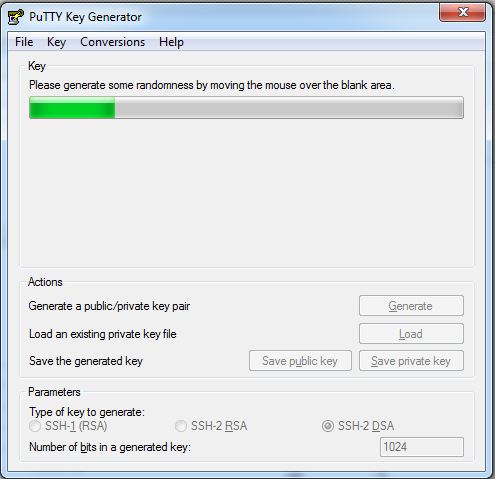
I have generated the Private & Public Keys with PuttyGen on a windows client.
I don't know where should I put the public key and mercurial.ini file on the server (linux).
Would you please help me to configure the TeamCity on linux using ssh protocol.
Thanks
Hashem
Hashem: I wasn't able to get SSH key authentication working when I generated the SSH keys under Windows using PuTTYgen. What did work was using ssh-keygen under Linux as described here: http://www.cyberciti.biz/faq/ssh-password-less-login-with-dsa-publickey-authentication/
Once the SSH keys are generated, I added the public key to the mercurial-server as discussed here: http://dev.lshift.net/paul/mercurial-server/docbook.html
With the SSH keys properly configured, test that you can connect to your Hg repository from the command line, and if it does, you should be good to go. I didn't have to create a .hgrc file (Linux's version of the Windows mercurial.ini, more about that here: http://www.selenic.com/mercurial/hgrc.5.html), all you need is to get the SSH keys in the proper place like Dmitry suggested.