Artifact Dependencies is not downloading all files to the Build Agent

I have two builds. The first one produces a number of files as artifacts. The second build has an artifact dependency on the artifacts of the first build. However, one file in particular is not being downloaded to the build agent when it is running the second build. I can see the file listed in the artifacts in the results of the first build. When I look in the list of dependencies for the second build, the file is missing. I have looked physically on the build agent and the file is not there.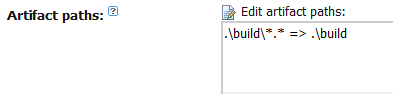
The above is the artifact path definition in the first build configuration which results in the file in question being listed in the artifacts: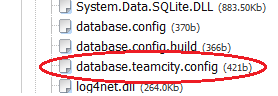
However, when I view the list of downloaded artifacts in the second build the file is missing: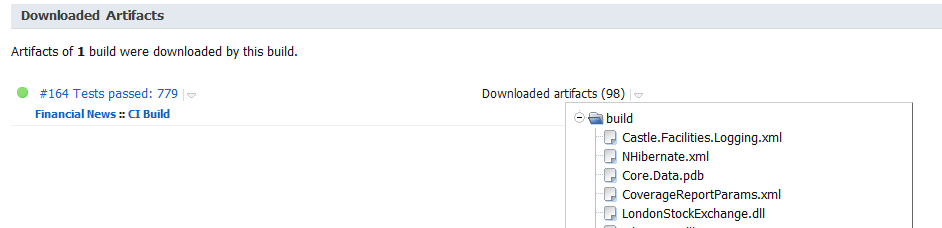
And the file does not appear in the Windows Explorer :
Has anyone got any suggestions as to what I cando to find out why this file is not appearing?
Regards,
Mark
Please sign in to leave a comment.
What version of TeamCity do you use?
Doh! I am running TeamCity Professional 6.5.1 (build 17834).
Hello Mark,
Can you attach a screenshot of your artifact dependency settings for the second build configuration?
Thank you Mark,
I've filled an issue for this problem: http://youtrack.jetbrains.net/issue/TW-17586
As a workaround, you can specify this file explicitly, adding one more artifact path for this dependecy (build\database.teamcity.config)