Git commit authors on the changes page
Answered

Hello!
We have Team City 10.0.3 and when I go to the Changes page (https://confluence.jetbrains.com/display/TCD9/Viewing+Your+Changes), I see 2 authors of any Git commit: TCAdmin and true author.
What can I do to see only true author?
What am I doing wrong?
Here is a sample:
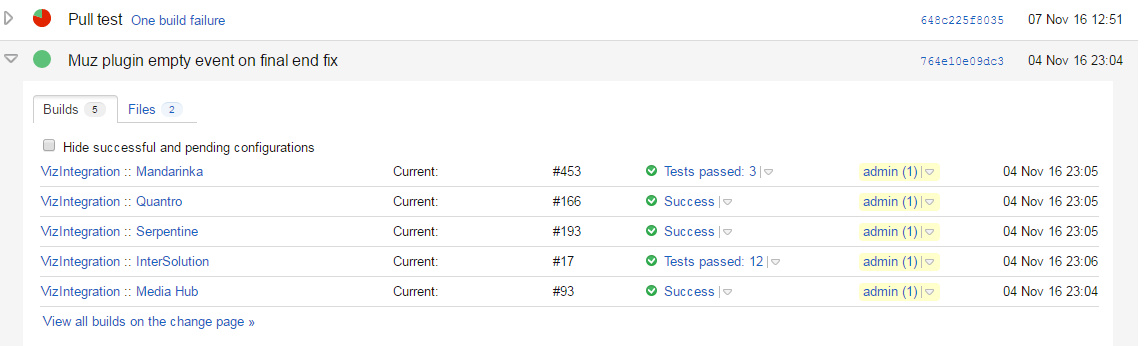
Thank you!
Please sign in to leave a comment.
Hello,
Please take a look at "Managing Version Control Username Settings" section: https://confluence.jetbrains.com/display/TCD10/Managing+your+User+Account#ManagingyourUserAccount-ManagingVersionControlUsernameSettings and check that Version Control Username Settings are configured correctly for TeamCity users.
Oh! I understood how it works.
I removed all the entries from Version Control Username Settings for TCAdmin account and all is looking fine!
Thank you for your help, Alina.