VCS Root Settings for Kotlin DSL versioned settings also readonly

Hello,
we recently updated our Teamcity Server to Teamcity Enterprise 2021.2.3 (Docker).
We have versioned Settings for one of our Projects in Kotlin format.
Since the update, we cannot longer edit the VCS root of the versioned settings, as the complete page has only disabled fields. 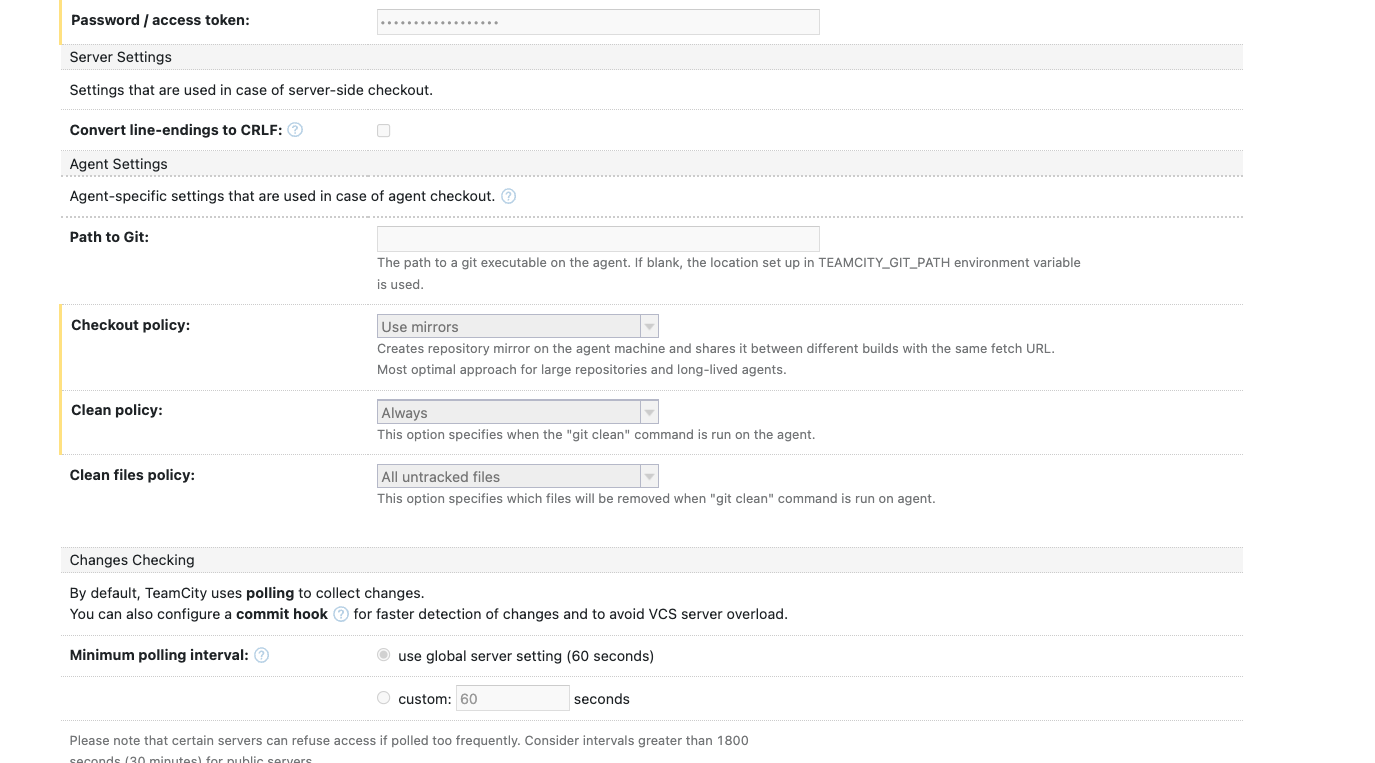
Editing via UI is "enabled" for the root project, the teamcity variable
teamcity.ui.settings.readOnly=true
is only applied to subprojects, not the rootproject itself as you can see in the following checkbox:
So, how can I switch now my default branch, change credentials, checkout rules etc.?
I think this might be a bug in the new version? Or am I missing a setting for enabling the editing of the VCS root for versioned settings?
Kind Regards
Michael
Please sign in to leave a comment.
Hi Michael, do you still face this issue?
There is no restriction to modify the versioned settings root. Is it the only locked setting through the project?
I experienced the same issue, but found a workaround:
When saving the changes made to the VCS root. TeamCity shows an error message and it looks like the changes were not saved. However, after refreshing the page, the changes were applied.