"Random" Build errors: MSBUILD: error MSB4166: Child node "4" exited prematurely. Shutting down.

Hi,
we have a problem with our TeamCity runs, which sometimes result in the following error message:
MSBUILD : error MSB4166: Child node "4" exited prematurely. Shutting down. Diagnostic information may be found in files in "C:\TeamCity\buildAgent\temp\buildTmp\" and will be named MSBuild_*.failure.txt. This location can be changed by setting the MSBUILDDEBUGPATH environment variable to a different directory.Build FAILED.
I try to list relevant information and steps we already persued to fix this issue.
We are currently testing a stripped down simpler configuration to narrow the the issue down.
TeamCity and agent are running on a Windows Server 2019, newest dotnet 6 sdk installed.
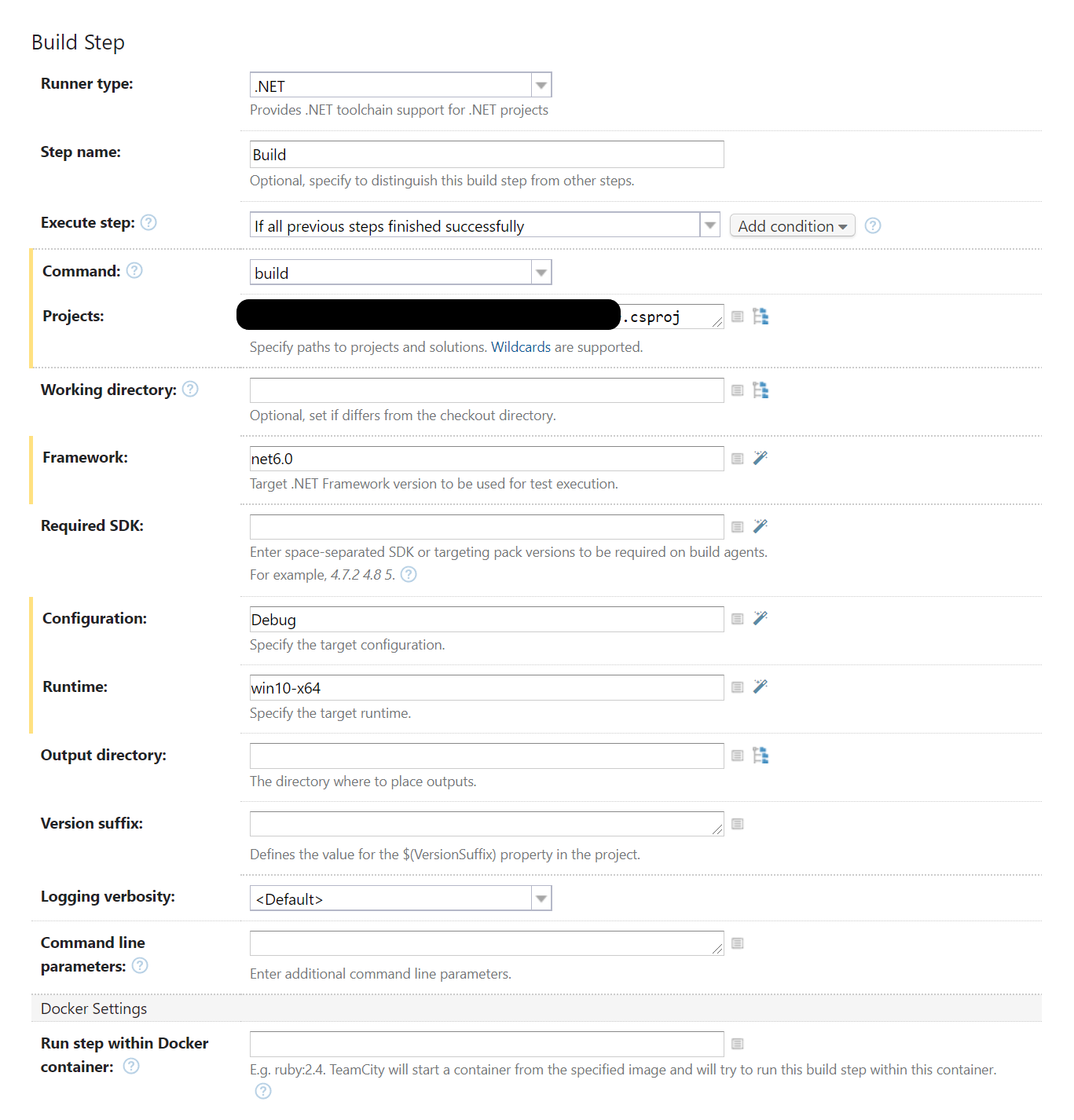
It is a single dotnet build step for a project with roughly 10 other project dependencies:
- The logfile MSBuild_*.failure.txt. is never generated. Even when I set MSBUILDDEBUGPATH to a different path.
- We already tried adding the /nodeReuse:false and -nodeReuse:false in the command line parameters input field or the environment variable MSBUILDDISABLENODEREUSE=1, but it does not solve the issue
- During the run we see roughly a dozen dotnet process to appear, but they all disappear when the build is finished.
Anyone experiencing the same issue or has found a way to solve or workaround it?
Please sign in to leave a comment.