Unable to run Personal Build from Visual Studio 2017 after TeamCity upgrade

I was using JetBrains Resharper v2018.2.3 with Visual Studio 2017 and TFS integrating with TeamCity v2017.1.5
Everything was going smoothly and I finished a personal build as usual. Then the IT department upgraded our version of TeamCity to v2018.1.3 and after a reboot I am unable to start a personal build anymore.
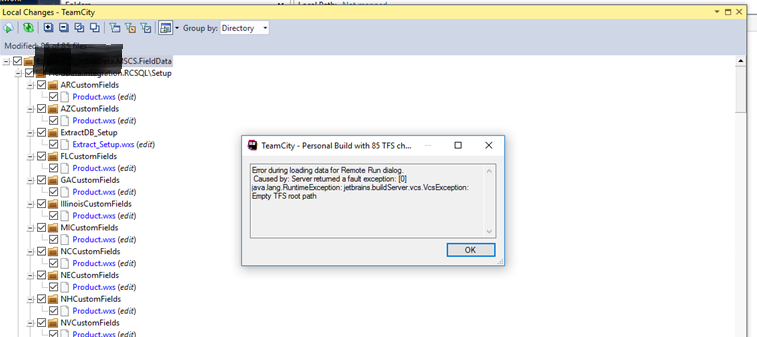
The error message is: "Error during loading data for Remote Run dialog. Caused by: Server returned a fault exception: [0]java.lang.RuntimeException: jetbrains.buildServer.vcs.VcsException: Empty TFS root path"
I tried repairing the installation of Resharper. I tried downloading the plugin from the My Settings Page in TeamCity. I tried uninstalling Resharper and then reinstalling it.
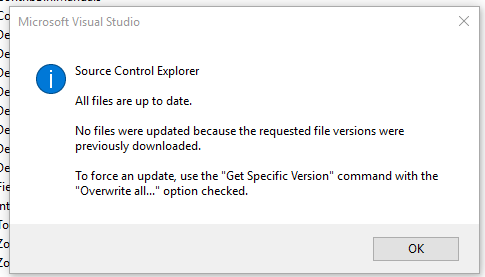
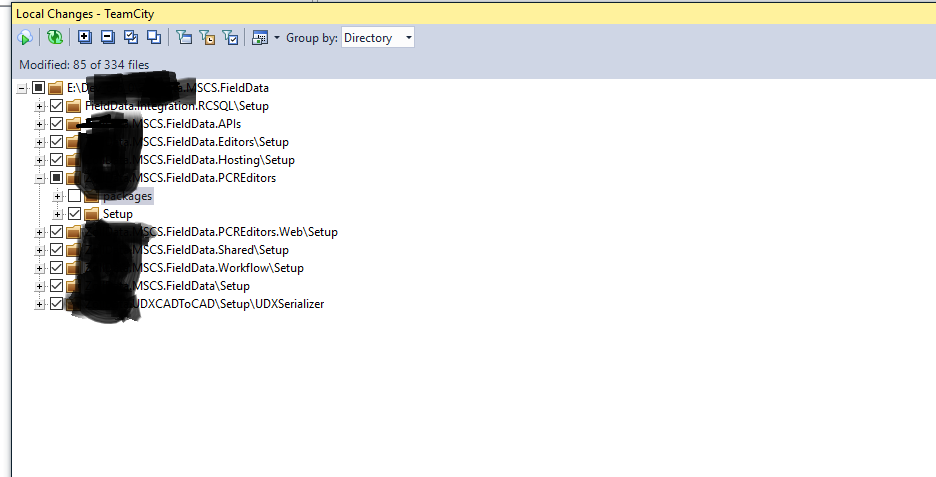
I can successfully login to TeamCity via Visual Studio. I can connect to the TFS workspace in visual studio. The Resharper Local changes window recognizes my source code file changes for local vs on the server. My visual Studio shows a connection to Teamcity in the bottom right corner.
This same issue happens for different TFS workspaces and Visual Studio 2013 and 2015 as well.
Screenshots attached.
Any help would be appreciated,
Terry
Please sign in to leave a comment.
This also started happening for us and coincides closely with an upgrade from TC v2017 to v2018.1.1.
In case this helps, in our case, we had some builds that were configured incorrectly or pointing to non-existent locations in TFS. After clearing them all up, pre-tested commits can now identify which builds to run against.
So if any TC builds that belong to the VCS TFS Root have a misconfigured TFS root, pre-tested commit will error on that and fail to find tfs root for any builds, including correctly configured ones. For example, our main VCS TFS Root is a parameter such as %TfsRoot%, which each build or template can update to point to specific TFS locations.
JHintz,
Thanks for the comments. For anyone else in this same situation our problem was resolved by Dmitry from JetBrains. It was:
the problem with root named "Tools for migration", it could not resolve some parameters as result TFS root path become empty. Could you please inspect how it was declared and fix if it the case. To find this TFS root you could navigate to the Administration -> <Root> project -> VCS Roots page, enable there "Show VCS roots from subprojects " checkbox and filter by name.