How to replace the target application server?

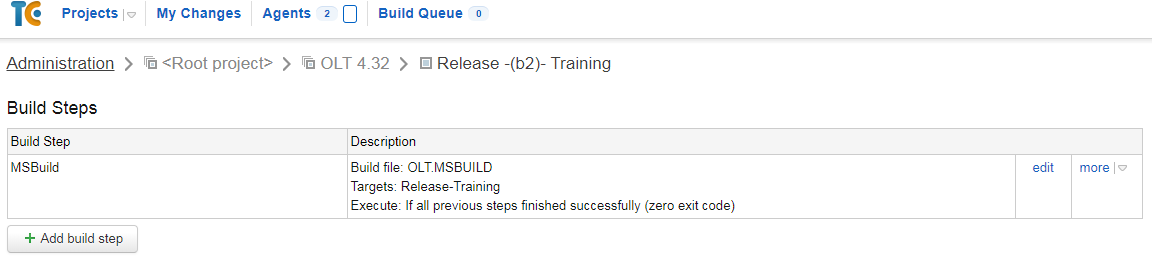
We use teamcity 8.0.5 (build 27692) to deploy our code to application servers and I am trying to replace one of the App server with a new one. I have changed this in the include.msbuild file. But still it deploys to the old server only.
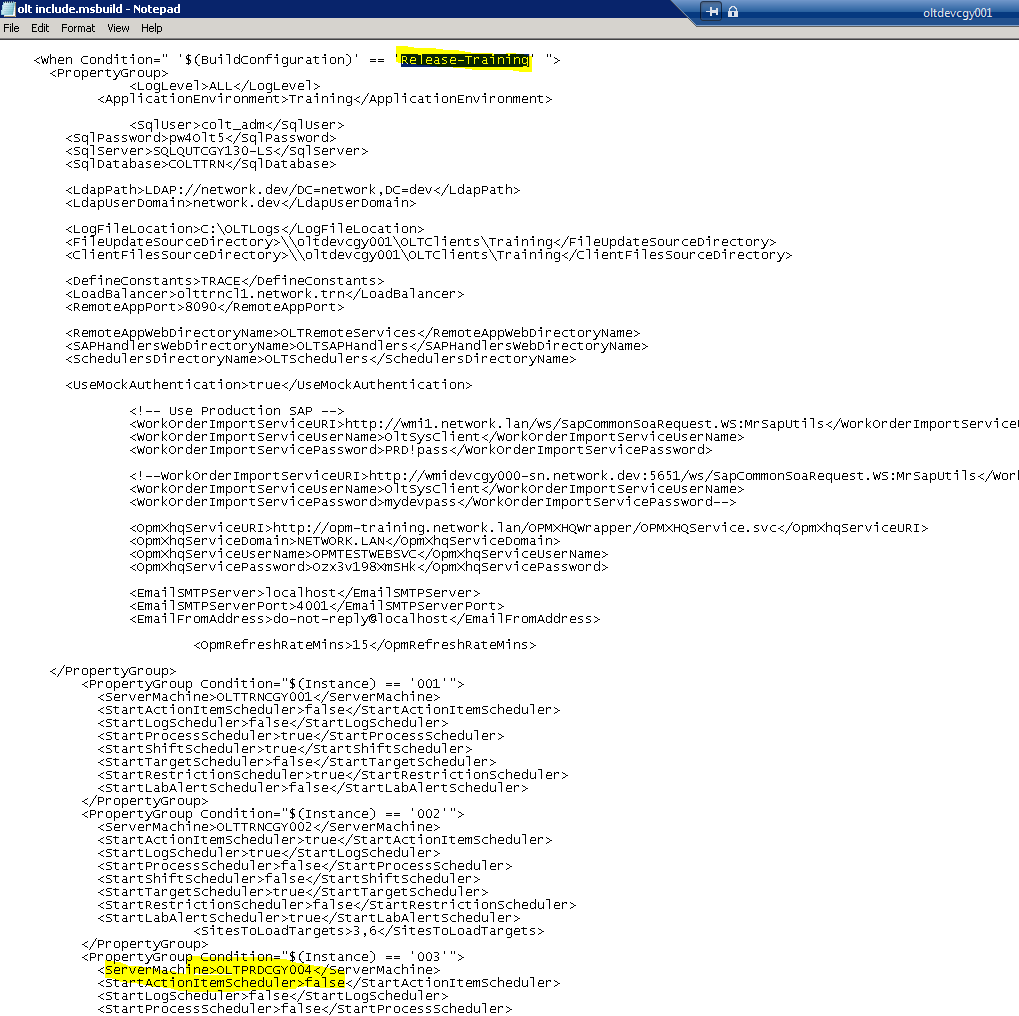
As you can see in the config file, i replaced olttrncgy003 with new server oltprdcgy004. But it is still deploying to old server olttrncgy003. Looks like I am missing something and somewhere else I need to replace the server name. Please help.
Please sign in to leave a comment.
Hi,
a couple comments:
-TeamCity is unaware of what servers exist in your network, so it has to upload to what you have specified. Please make sure that the build is running with the updated name in the sources, not just that you have updated it locally in your development machine. If it is updated and still deploys to the old server, check whether it does the same from your local machine. If not, please follow the troubleshooting steps here: https://confluence.jetbrains.com/display/TCD10/Common+Problems#CommonProblems-BuildworkslocallybutfailsormisbehavesinTeamCity
-You have posted the picture with several network addresses, which is usually OK, but you seem to have included a number of usernames and passwords. I would recommend removing that image, and if you want to reattach it, make sure to redact the relevant bits.