How to use Build Cache with Zip Archive

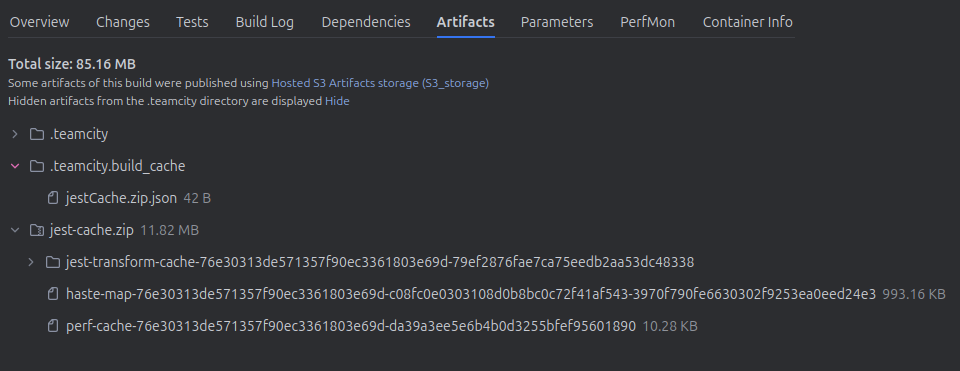
I'm trying to setup a Build Cache for my E2E Tests on Teamcity Cloud. My cache is only 50mb but has 3.5k files so I am required by Teamcity Cloud to archive it (limit of 1000 files for build cache, can't change this setting in TC Cloud). My cache is for for Jest testing framework. Teamcity is creating a build cache but failing to find it on subsequent runs.
Teamcity is complaining that:
Could not download build cache with name 'jestCache.zip'. Error: No files matched for patterns "" from <bt67, build with id: 60718>

BUILD CACHE SETTINGS:
You can see in the Build Cache settings below, I want to publish from the agent's buildTemp dir and restore it to there. Exact path is /opt/buildagent/temp/buildTemp/jest_0. I am creating an archive jestCache.zip, so probably would need to unzip it (when TC is able to find it)

Please sign in to leave a comment.
Could you please share your Cloud TeamCity domain with us?
I'll check with our team to see if we can adjust the file limitation for your case. You can send your Cloud TeamCity domain to us via email at teamcity-support@jetbrains.com.
Best Regards,
Tom
Thanks Tom, have emailed
Thank you for the information.
I will confirm this with our team and keep you updated on any changes.
Best Regards,
Tom