This build will not start because there are no compatible agents which can run it.

Hi,
Hoping someone may be able to help with this issue I am having.
I've got a build agent set up, working and it is displayed as being compatible with the builds I want to run.
However when I run any of them, or they are triggered, they get added to the queue which looks like the following screenshot.
With the message "This build will not start because there are no compatible agents which can run it."
I can't figure out (after looking thoroughly through this community forum and google) what I have missed.
There are no build agent requirements set, and the agent compatibility is fine.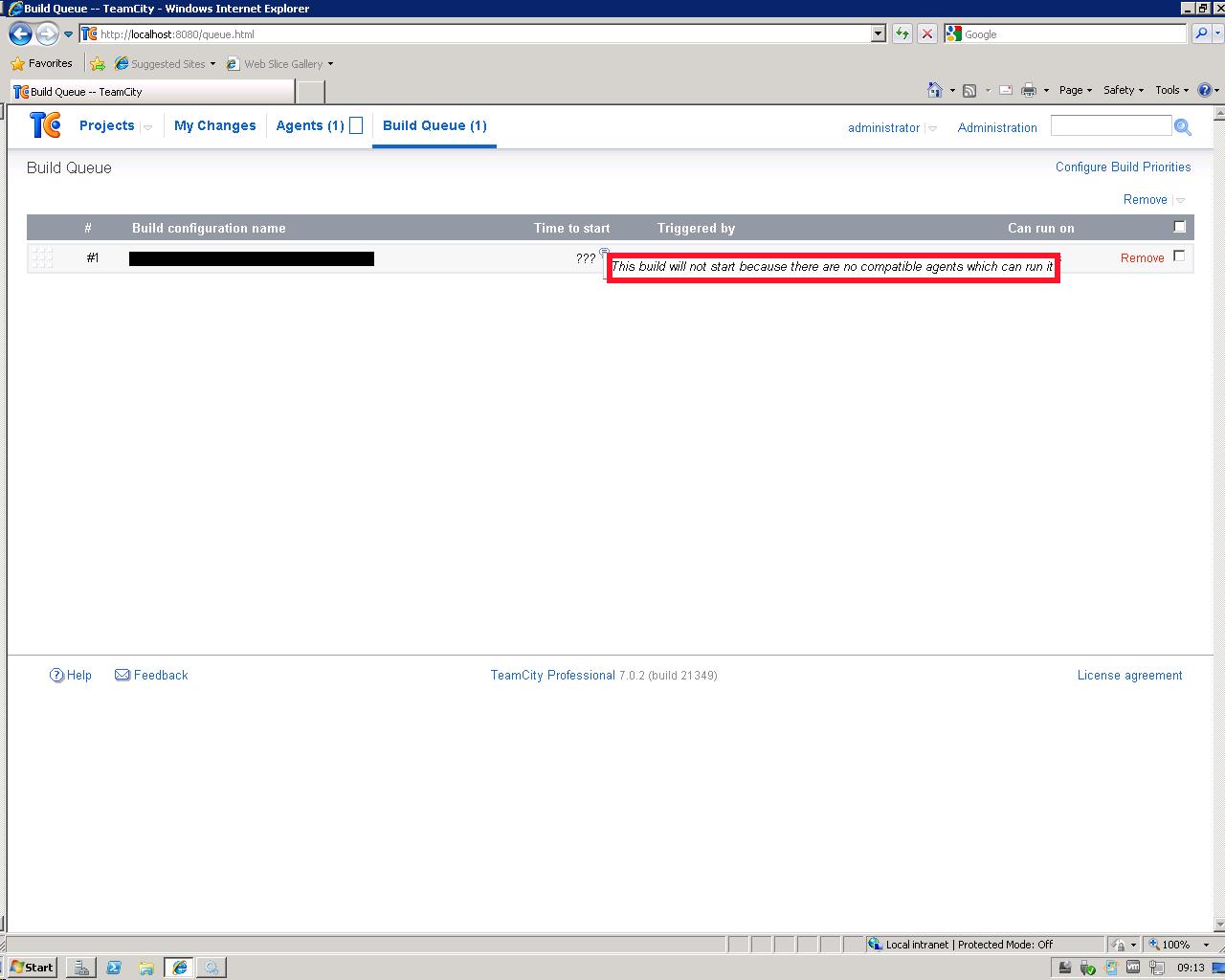
Please sign in to leave a comment.
Recently we've fixed this issue: http://youtrack.jetbrains.com/issue/TW-20461
Can it be your problem?
Hi thanks for the reply!
I've been through that thread, is it because I am using %%20 or should I not be using that?
It's a clean install of 7.
Is it possible to get an early copy of 7.0.3?
Yes, it's because you are using %%20. The 7.0.3 rc build can be downloaded from our ftp:
ftp://ftp.intellij.net/pub/.teamcity/7.0.3-eap
Thanks for this I'll grab it now.
So with this build in place, do I need to do %% or just % now?
You still need to escape % with %%.
Hi,
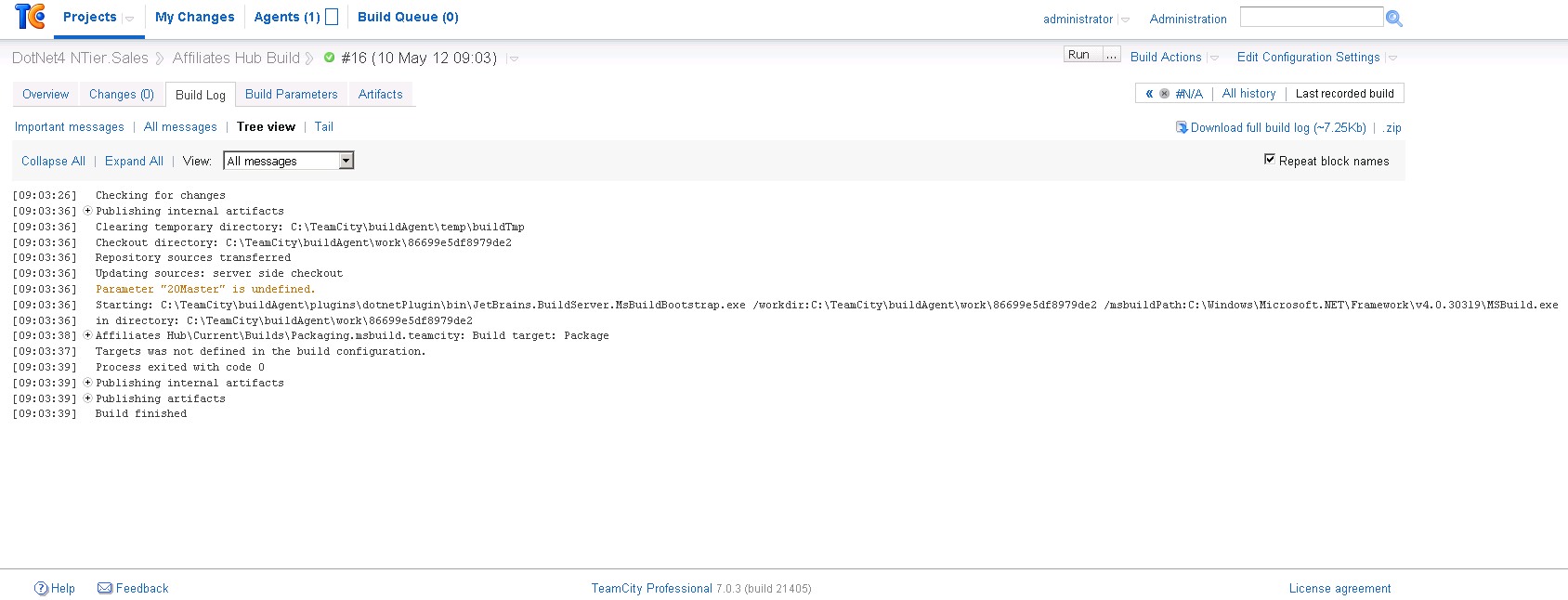
The fix worked great, but we're seeing another error which I think is related?
Which I assume is to do with our url that contains the following: %%20Master%%20Collection
This warning is harmless, but I would ask you to submit bug report to our tracker.
It does however seem to be preventing our build from getting all of the assemblies we require?
I do not think this warning can affect your build somehow. Could you please clarify what is broken?
Some of the sub directories within our msbuild directory are not appearing, the entire bin directory with dlls for one.
If I run the msbuild on our machines it works fine.
Do you mean MSBuild does not produce some directories or these directories are not checked out from version control?
It seems that they are not coming out of source control.
From the command prompt we build using MSBuild and it works fine.
What version control system do you use?
TFS 2010
Could you please submit issue in our tracker with description of your TFS root and checkout rules (if you use them), checkout mode (server or agent) and details about directories not being checked out on agent?
Thanks Pavel,
I've just done this.
Ian has sumbmitted http://youtrack.jetbrains.com/issue/TW-21525