Blank Agent In Setup

When installing TeamCity I get a blank Configure Build Agent Properties screen - what do I need to change to fix this.
Thanks
Rob
Attachment(s):
Capture.PNG

Please sign in to leave a comment.
Hi Robert
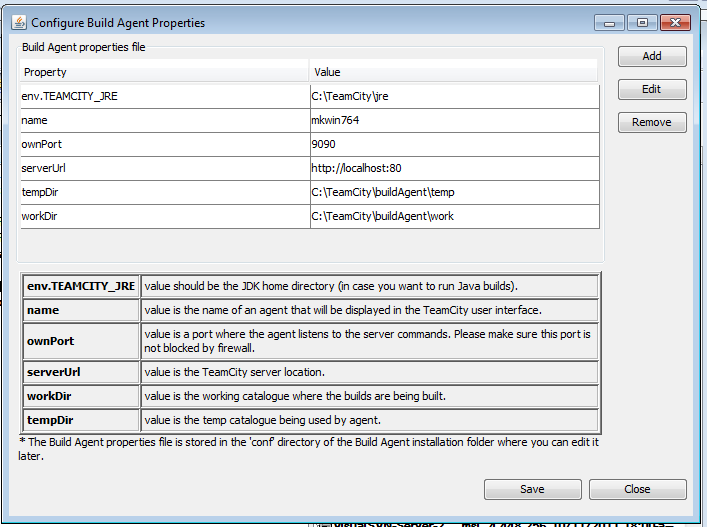
That looks weird, something has broken in Java fonts.
This is how the windows should look like:
Right now you can click the left button (save), and continue installation process. If that's your first TeamCity setup, and the web server and its build agents are installed on the same machine, then no additional changes are required. Otherwise you can find these settings in \BuildAgent\conf\buildAgent.properties file.
It would be great if you tell more about your environment, that would help me to better understand a root cause of this issue.
Thanks
Michael
Thanks for your reply – I have completed the installation.
Here are my details:
The os is Windows 7 Enterprise – 32 bit.
I am installing TeamCity Professional 7.0.2 (build 21349).
The machine already has java installed at : “C:\Program Files\Java\jre6\bin” v6.0.310.5
The javaw.exe path is : “C:\TeamCity\buildAgent\jre\bin”
Let me know if you need anything else.
Thanks
Rob