TeamCity Tray Notifier Locked Up While "Logging in..."

Just installed the tray notifier and it is locked up.
I cannot change the server, authentication settings or anything. I cannot get to the UI. The only thing I can do is mouse over the tray icon, and it shows "Logging in ...".
I have uninstalled and reinstalled it multiple times.
I have downloaded it multiple times from our TC 7.1 install multiple times and reinstalled with no success.
I have rebooted multipe times with no success.
The only way to stop it, is to kill the process in task manager.
How do I fix this?
Thanks,
Joe
Please sign in to leave a comment.
For what its worth, I found the server url in the registry at:

HKEY_CURRENT_USER\Software\JetBrains\TeamCity\WindowsTray\Login
and deleted it.
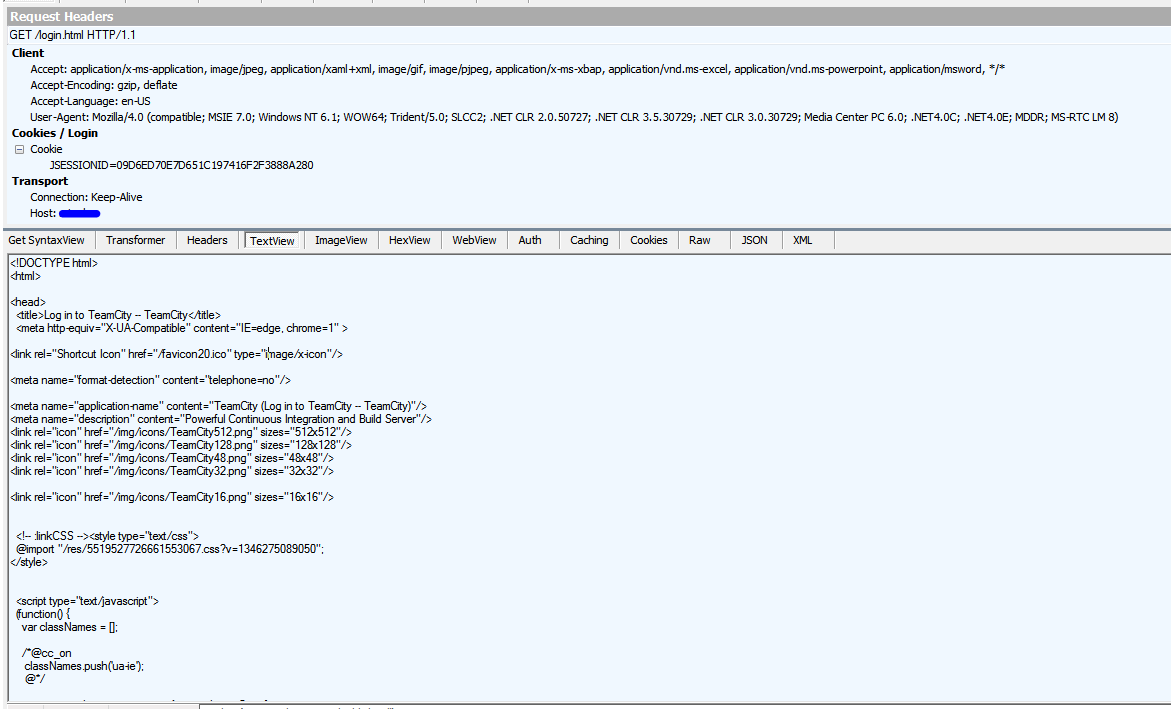
I also hooked up fiddler to watch the http traffic and I can see it is getting to the server and getting a response back.
Edit:
I installed the VS addin and it logged in just fine. Appears to be a problem with the TrayNotifier.
We have the same problem on at least two computers. Server is running 7.1.
Looks like a lot of people are having this problem. I found this as well.
http://devnet.jetbrains.net/message/5466193
Seems like a bug to me.
The IE trick refernced worked for me. Had to log into TeamCity on IE then it would connect.