VCS Triggers with one VCS Root

I want to start by saying this product is amazing and it helps alot. Now the problem I have. I am using TFS and I have the the following branch structure: Dev/Main/Releases. I have created one VCS root that points to the parent TFS project, and I have the 3 branches as sub projects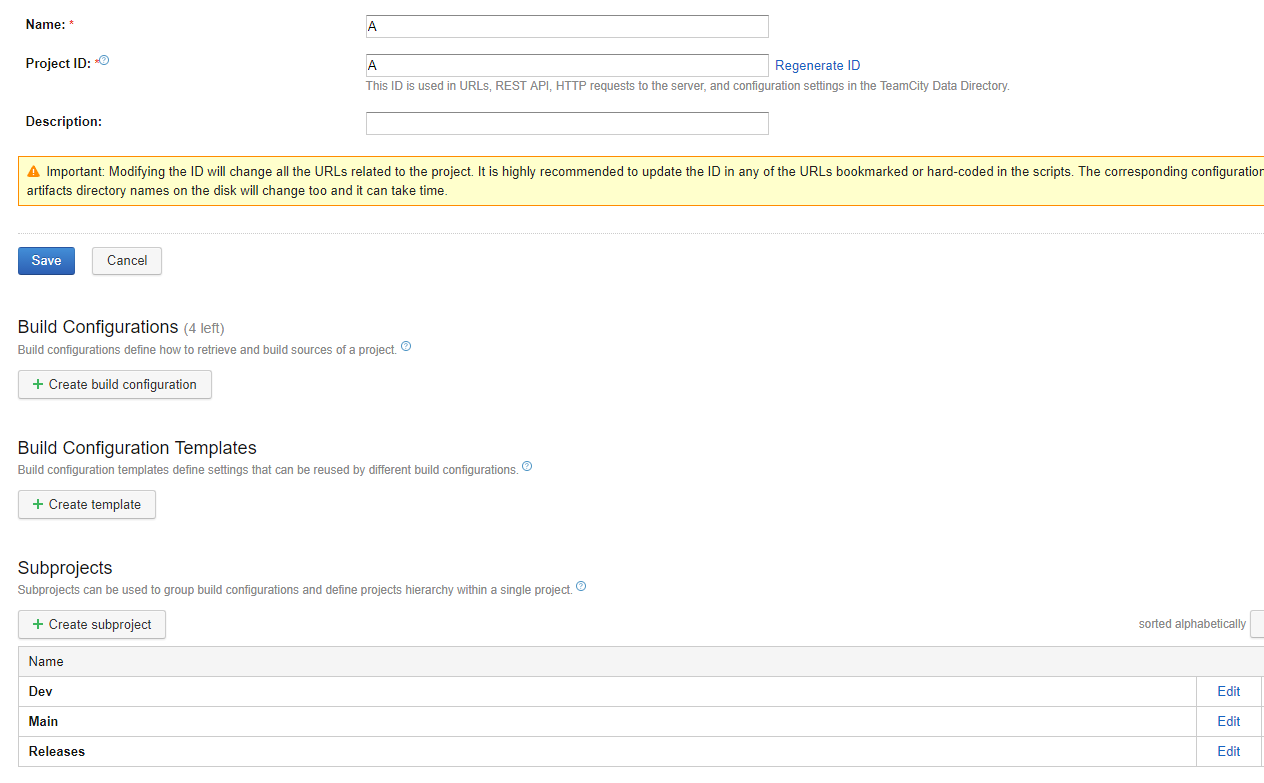
For now I will focus on Releases, under the release there is a Fixes and Release, again I will focus on just Fixes. I want to trigger a build when a specific file changes: SharedAssemblyInfo.cs. Instead of creating a new VCS root for every branch I have opted to use the same root but specify a checkout rule:
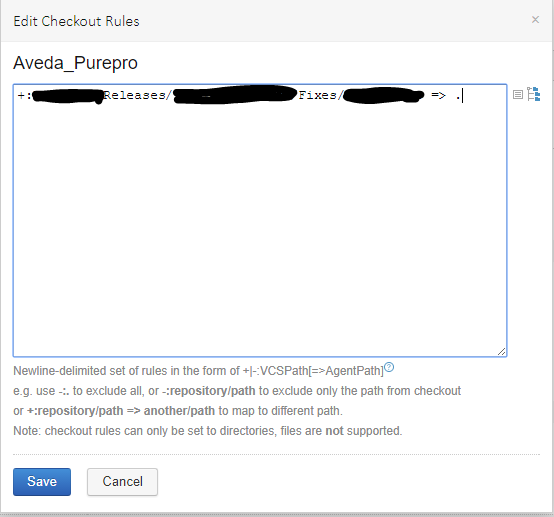
And this is how I have the trigger:
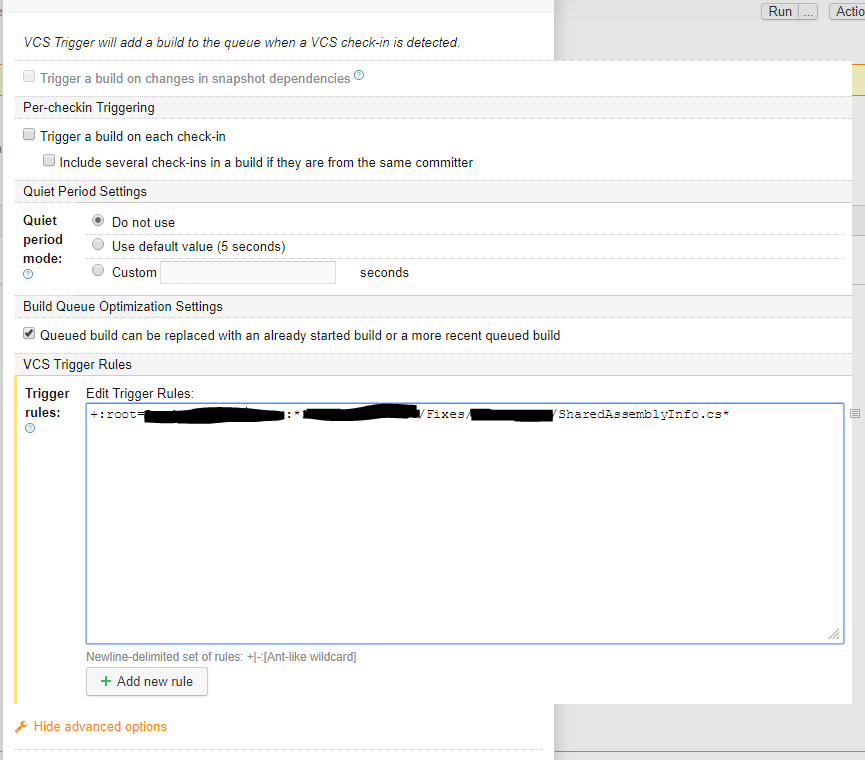
But it does not work. I was able to get it working but that involved creating a different VCS root for every branch and then set the root as that particular branch. What am I missing? Thx
Please sign in to leave a comment.
Hi Sumeet,
Do you see the "pending" message on the build configuration when changes have been applied that should trigger? A possible issue might be the remapping of the checkout rules not allowing your trigger rule then to match, but as far as I know they should be matching also before the checkout rules apply. Could you try whether removing the checkout rules helps with it triggering??
Hi Denis,
Yes I do see the "pending" change but nothing happens. I could remove the checkout rule but it will then show pending changes from other branches which is something I don't want. I know the trigger works since as I mentioned when the VCS root is unique to the branch everything is fine. What exactly is the file wildcard syntax when it comes to matching?
Hi Sumeet, sorry for the delay. The wildcard syntax is explained here applied to Trigger Rules: https://confluence.jetbrains.com/display/TCD10/Configuring+VCS+Triggers#ConfiguringVCSTriggers-VCSTriggerRules
And here more specifically only for the syntax itself: https://confluence.jetbrains.com/display/TCD10/Wildcards
I'm still trying to replicate the issue, could you share a screenshot of the VCS configuration?